Routing
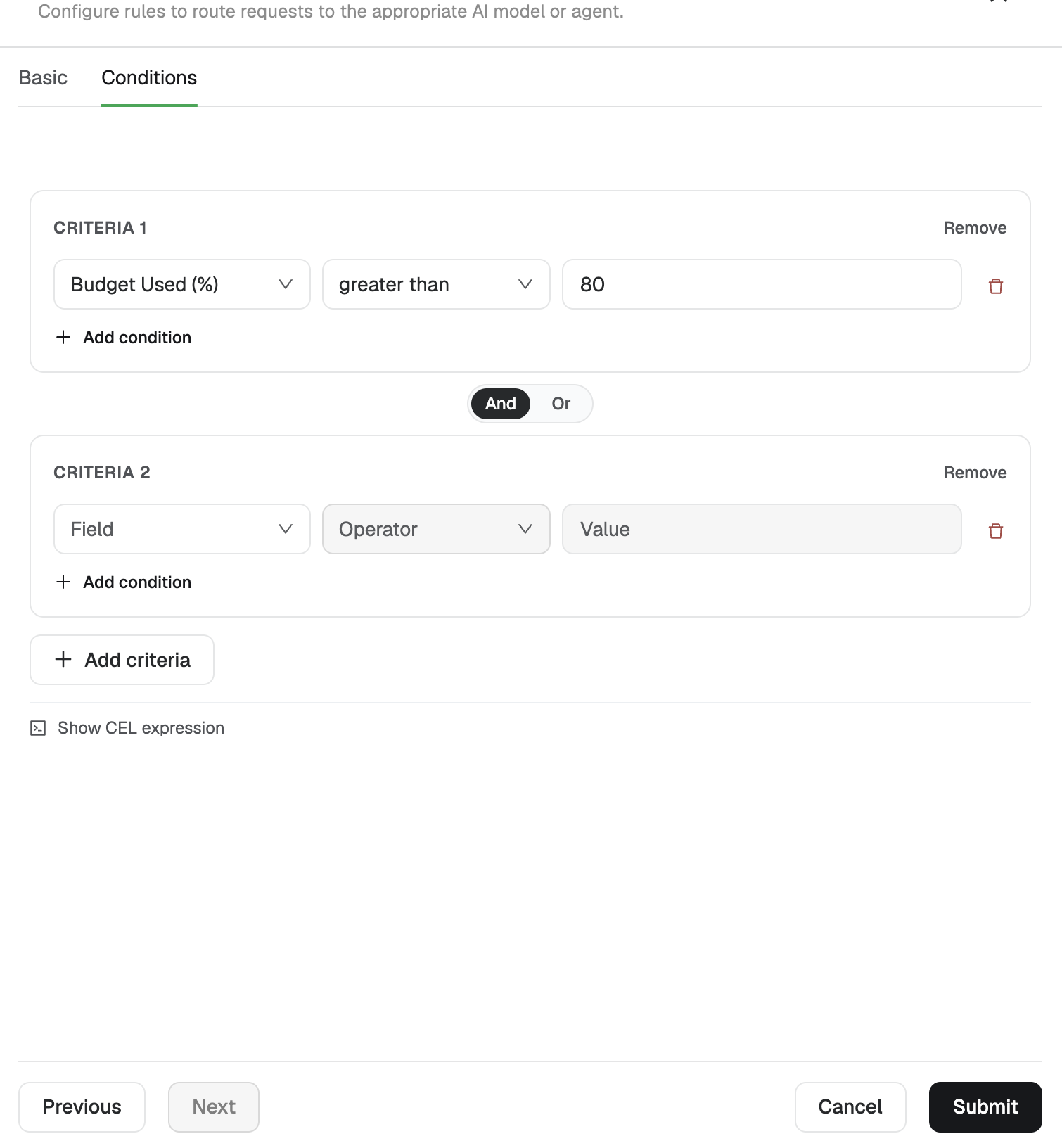
Attach a routing policy to a provider, models, and an organization or key.
Routing studio is where you attach a routing policy to a provider, a set of models, and a scope.
- Open Routing studio.
- Create a routing rule.
- Select the provider.
- Select the models the rule applies to.
- Set the scope:
- Organization — the policy applies to that organization.
- User / key — the policy applies to a specific key.
- Save the rule conditions (next section).
Rule categories
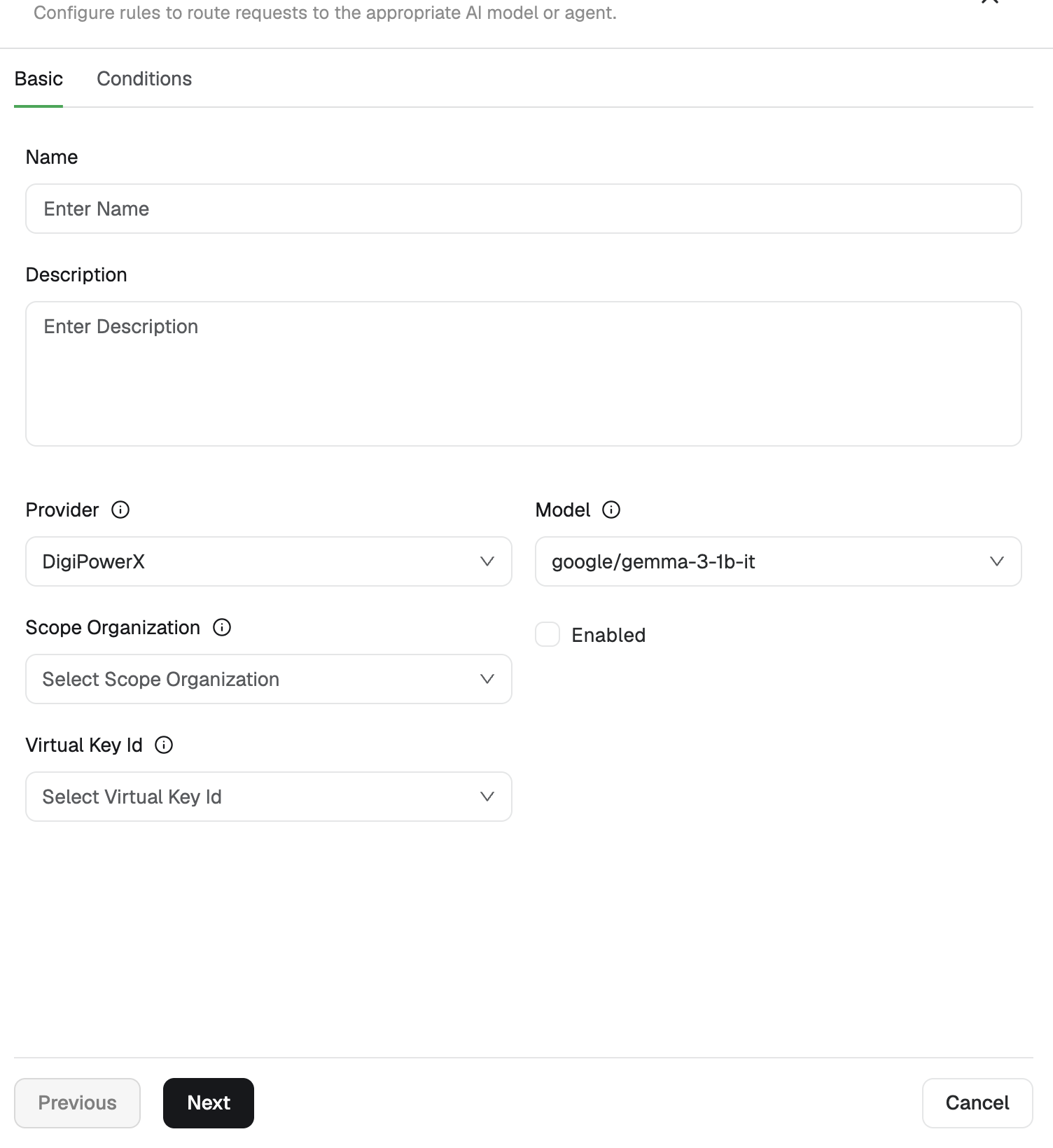
Rules are grouped by the condition that triggers them. Two examples:
Token usage percentage. If token usage goes above a threshold you set (for example more than 70% or more than 80%), the rule defines how traffic should be routed from that point.
Budget. If budget utilization goes above the threshold (for example greater than 80%), later token consumption is redirected to the target model. In the sample setup, usage past 80% of budget is sent to Gemma.