
Screens panel
Manage Shell (shared layout) and per-screen routes. Shell must contain exactly one Outlet.
Category: Apps
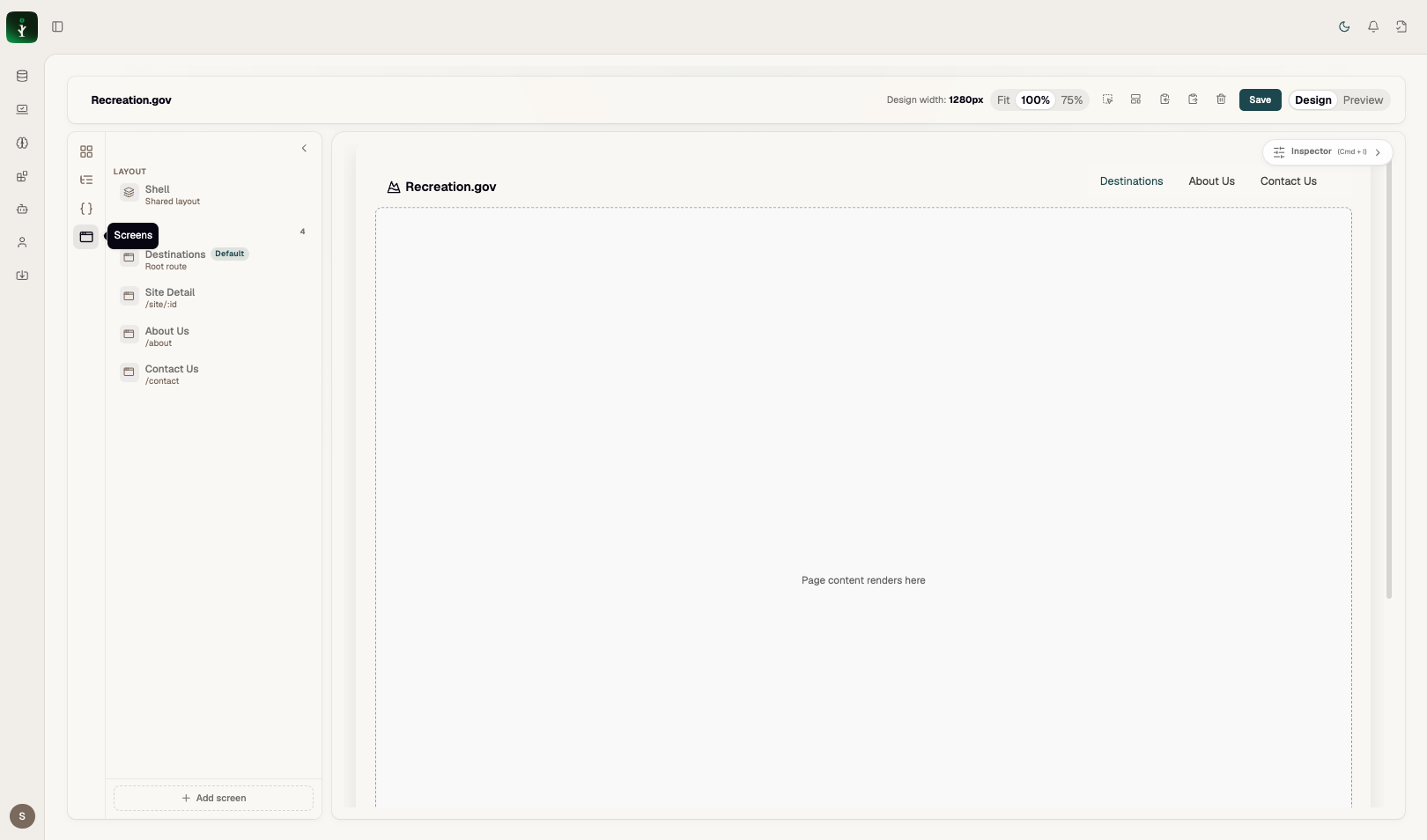
Screens — Shell plus routes.
Problems it solves
Applications are multi-route; each screen has its own canvas content rendered inside the Outlet.
How to use it
Screens panel → Shell for chrome (nav, footer) → click each screen to design its content → Add screen for new routes.
Examples
Default screen has route "" (root /). Other screens use paths like about, site/:id.
Common mistakes
- Deleting the Outlet from Shell — Save will fail validation.