
Application BuilderGet started
Listing & folders
The Advance Builder home lists all pages and applications in folders with search, sort, and card/list view.
Category: Home
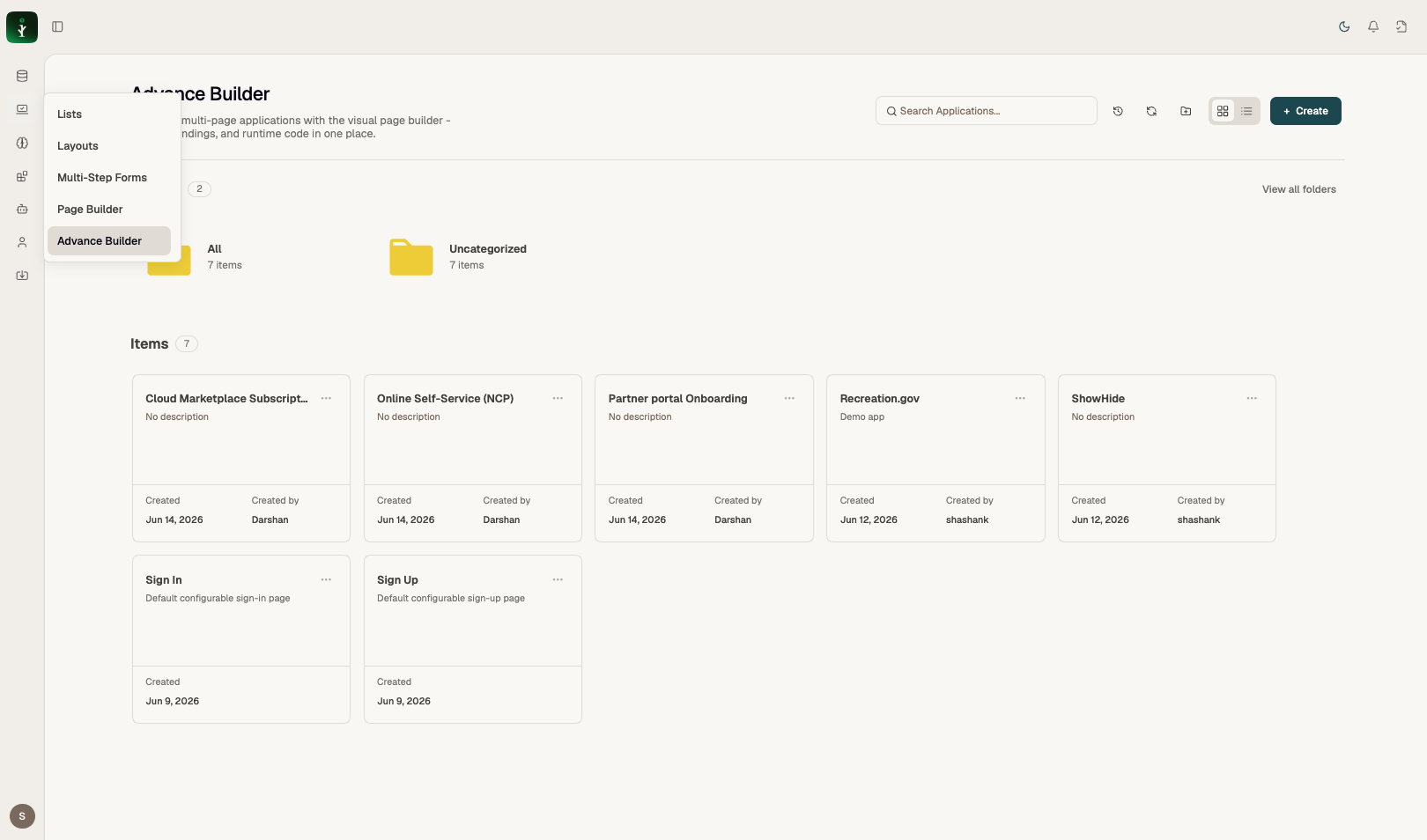
Advance Builder listing with folders and application cards.
Problems it solves
Central place to create, find, clone, delete, and audit your builder assets.
How to use it
- Create for new items. Action menu on each card: Edit, Clone, Delete, Audit History. Use folders in the left sidebar.
Examples
System pages (Sign In, Sign Up) may not be deletable.
Common mistakes
- Confusing Advance Builder listing with Page Builder under Screens.