
Field Types
Objects support various field types to represent different kinds of data. Choose the appropriate field type based on the data you need to store and how users will interact with it.
Common Properties
All field types support the following common properties:
label: Display name for the field shown in forms and UI (required)description: Additional help text or instructions about the field (optional)required: Whether the field must have a value before form submission (default: false)
These properties are available for every field type and can be configured in the Schema Builder.
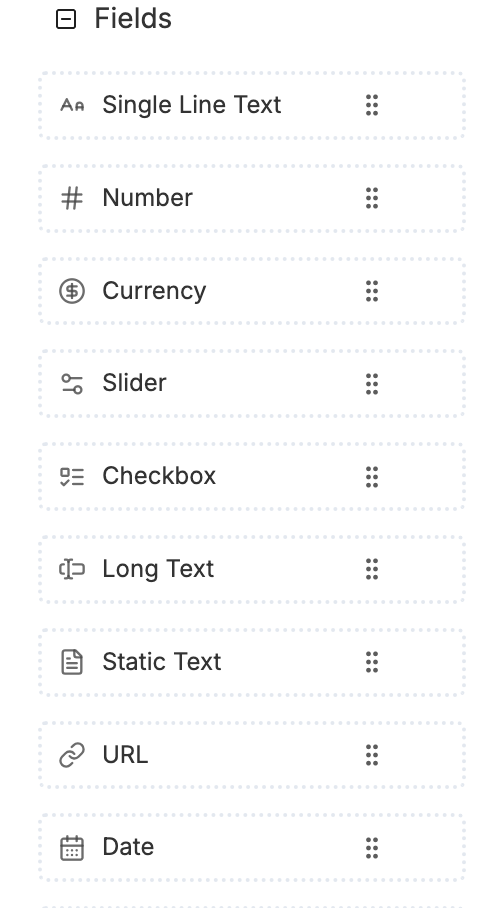
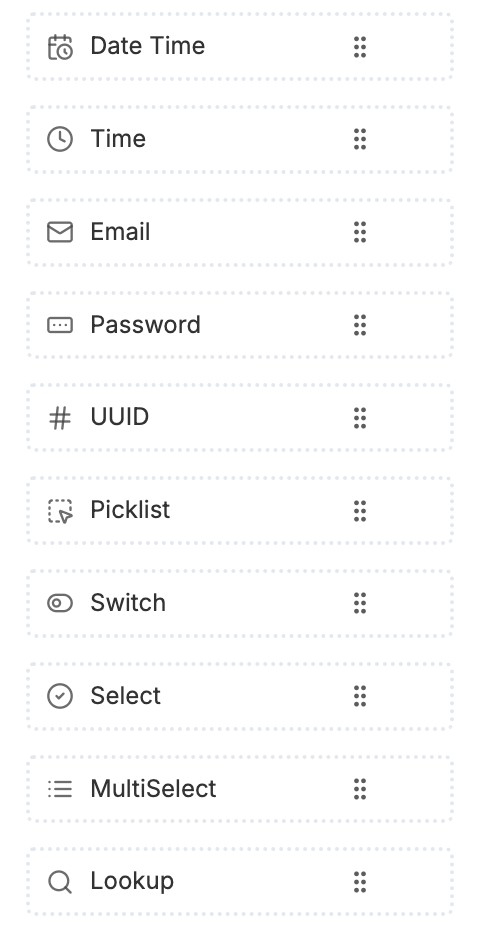
General Fields
| Name | Type | Description | Properties |
|---|---|---|---|
| Single Line Text | string | Single-line text input for short values like names, titles, or codes | unique: Ensures no duplicate values across records |
| Number | number or integer | Numeric field for whole numbers or decimals | unique: Ensures no duplicate values; minimum: Minimum allowed value; maximum: Maximum allowed value |
| Currency | currency | Specialized number field for monetary values with currency formatting | currencyCode: ISO currency code (e.g., USD, EUR) |
| Slider | number | Numeric input displayed as a slider control | minimum: Minimum slider value; maximum: Maximum slider value; step: Increment step value |
| Long Text | text | Multi-line text input for longer content like descriptions or notes | pattern: Regular expression pattern for text validation |
| Static Text | string (read-only) | Read-only text field displaying static information or labels | value: The static text content to display |
| Picklist | picklist | Dropdown field allowing selection of a single value from a predefined picklist category | picklistCategoryId: ID of the picklist category to use |
| Select | string | Dropdown field allowing selection of a single value from predefined options | options: Array of option objects with value and label |
| MultiSelect | array | Dropdown field allowing selection of multiple values from predefined options | options: Array of option objects with value and label |
| Lookup | reference | Reference field linking to another Object record, creates relationships and foreign keys | targetMObjectId: ID of the target Object to reference; displayField: Field name to display in lookup results |
| Checkbox | boolean | Boolean field storing true/false values, displayed as checkbox | |
| URL | string (format: "url") | Text field for web URLs with URL format validation | |
| Date | string (format: "date") | Date picker for selecting calendar dates without time | |
| Date Time | string (format: "date-time") | Date and time picker for selecting both date and time values | |
| Time | string (format: "time") | Time picker for selecting time values without date | |
string (format: "email") | Text field for email addresses with email format validation | ||
| Password | string (format: "password") | Secure text input that masks characters, designed for sensitive information | |
| UUID | uuid | Field for storing universally unique identifiers (UUIDs) | |
| Switch | boolean | Boolean field displayed as a toggle switch control, similar to Checkbox but with different UI |
Lookup Fields
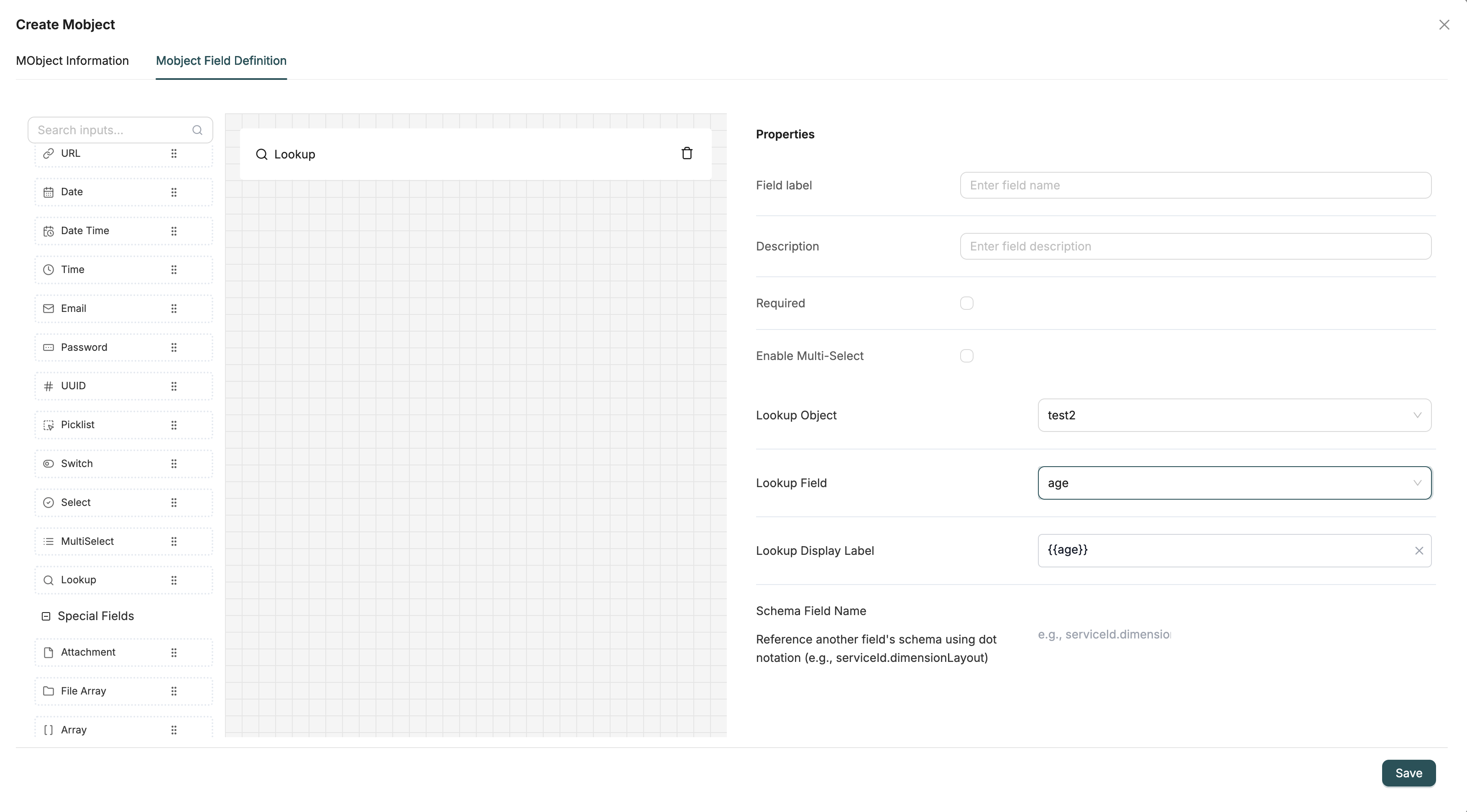
Lookup fields create relationships between Objects, similar to foreign keys in databases. When you add a Lookup field, you select a target Object to reference. This allows you to link records together — for example, linking an Order to a Customer, or a Product to a Category.
Configuration
- Lookup Object: The Object you want to reference (e.g., Customer, Product, Category)
- Lookup Field: The field used to match and store the reference (e.g., id, code)
- Lookup Display Label: The field value shown in the dropdown (e.g.,
{{name}}to display the name field) - Enable Multi-Select: When enabled, allows selecting multiple records from the target Object instead of just one
Use Cases
- Link Orders to Customers
- Link Products to Categories
- Link Invoices with Payments
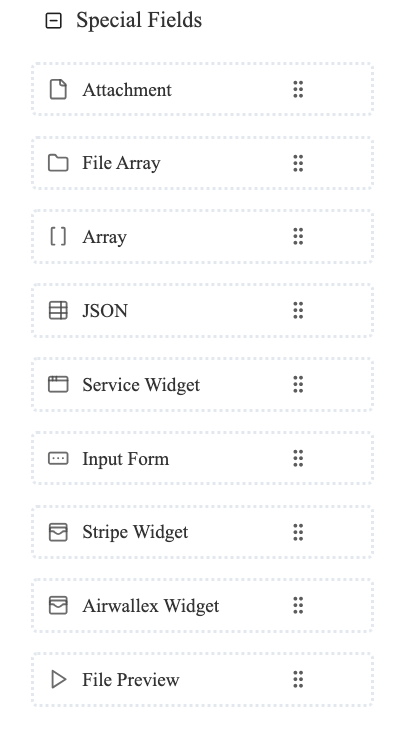
Special Fields
| Name | Type | Description | Properties |
|---|---|---|---|
| Attachment | file | File upload field for storing a single file attachment | allowedFileTypes: Comma-separated list of allowed file extensions; maxFileSize: Maximum file size in bytes |
| File Array | file-array | Field for storing multiple file attachments | allowedFileTypes: Comma-separated list of allowed file extensions; maxFileSize: Maximum file size per file; maxFiles: Maximum number of files allowed |
| Array | array | Field for storing arrays or lists of values of any data type | items: Schema definition for the array item type |
| JSON | object or json | Field for storing arbitrary JSON data structures | properties: Nested schema definition for JSON object structure |
| Service Widget | Custom widget type | Specialized widget field integrating with external services or APIs | serviceType: Type of external service; serviceConfig: Configuration object for the service |
| Input Form | object (nested schema) | Field embedding a form within another form for nested structures | schema: Nested form schema definition |
| Stripe Widget | Custom widget type | Specialized payment widget integrating with Stripe payment processing | stripeConfig: Stripe API configuration and settings |
| Airwallex Widget | Custom widget type | Specialized payment widget integrating with Airwallex payment processing | airwallexConfig: Airwallex API configuration and settings |
| File Preview | file (preview enabled) | Field displaying preview of uploaded files, especially images or documents | previewEnabled: Enable file preview display; allowedFileTypes: Comma-separated list of allowed file extensions |
Note: All fields support common properties: label, description, and required.
System Properties
Every Object automatically includes system properties that are managed by the platform. These properties provide essential metadata about your records, including unique identifiers, timestamps, user tracking, and soft deletion support. System properties are automatically added to every Object schema when it's created and cannot be modified manually.
| Property | Type | Description | When Set |
|---|---|---|---|
id | UUID | Unique identifier for the record, automatically generated | On creation |
created_at | DateTime | Timestamp when record was created (UTC, ISO 8601 format) | On creation |
created_by | UUID (Reference) | User who created the record, references User Object | On creation |
updated_at | DateTime | Timestamp when record was last updated (UTC, ISO 8601 format) | On every update |
updated_by | UUID (Reference) | User who last updated the record, references User Object | On every update |
deleted | Boolean | Soft delete flag (false = active, true = deleted), defaults to false | On creation (defaults to false), set to true on soft delete |
Key Characteristics:
- Automatically added to all Objects
- Managed by the system (cannot be modified manually, except
deletedfor soft deletion) - Always available in your data records
- Provide essential metadata and tracking
Note: By default, queries exclude records where deleted: true. To include deleted records, you need to explicitly filter for them.
Field Type Selection Guide
| Data Type | Recommended Field Type |
|---|---|
| Short text (names, codes) | Single Line Text |
| Long text (descriptions) | Long Text |
| Numbers | Number |
| Money values | Currency |
| True/False | Checkbox |
| Dates only | Date |
| Date and time | Date Time |
| Email addresses | |
| Web links | URL |
| Passwords | Password |
| File uploads | Attachment or File Array |
| Related records | Lookup |
| Multiple choice | Picklist, Select, or MultiSelect |
| Toggle on/off | Checkbox or Switch |
| Complex data | JSON or Object |
| Unique IDs | UUID |