
Template Preview
Template Preview allows you to test templates with sample data to verify they render correctly before using them in workflows.
Preview Methods
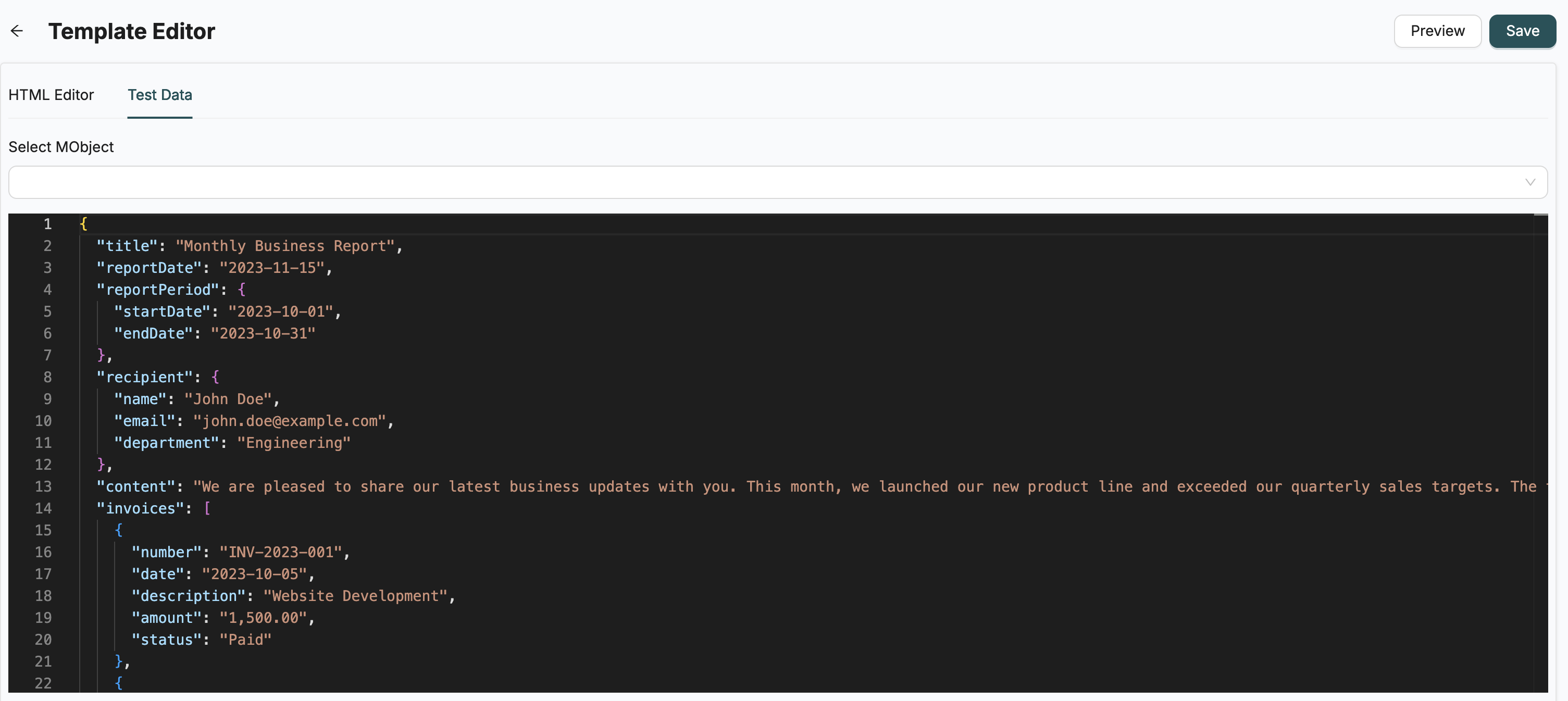
Manual Test Data
Enter JSON test data manually in the preview panel:
{
  "customerName": "John Doe",
  "orderNumber": "ORD-123",
  "totalAmount": "$100.00"
}
Object Data
Use real Object data for more accurate testing:
- Select an Object from the dropdown
- Select a specific MData record
- The system automatically generates test data from the selected record
- Preview renders with actual field values
Using Preview
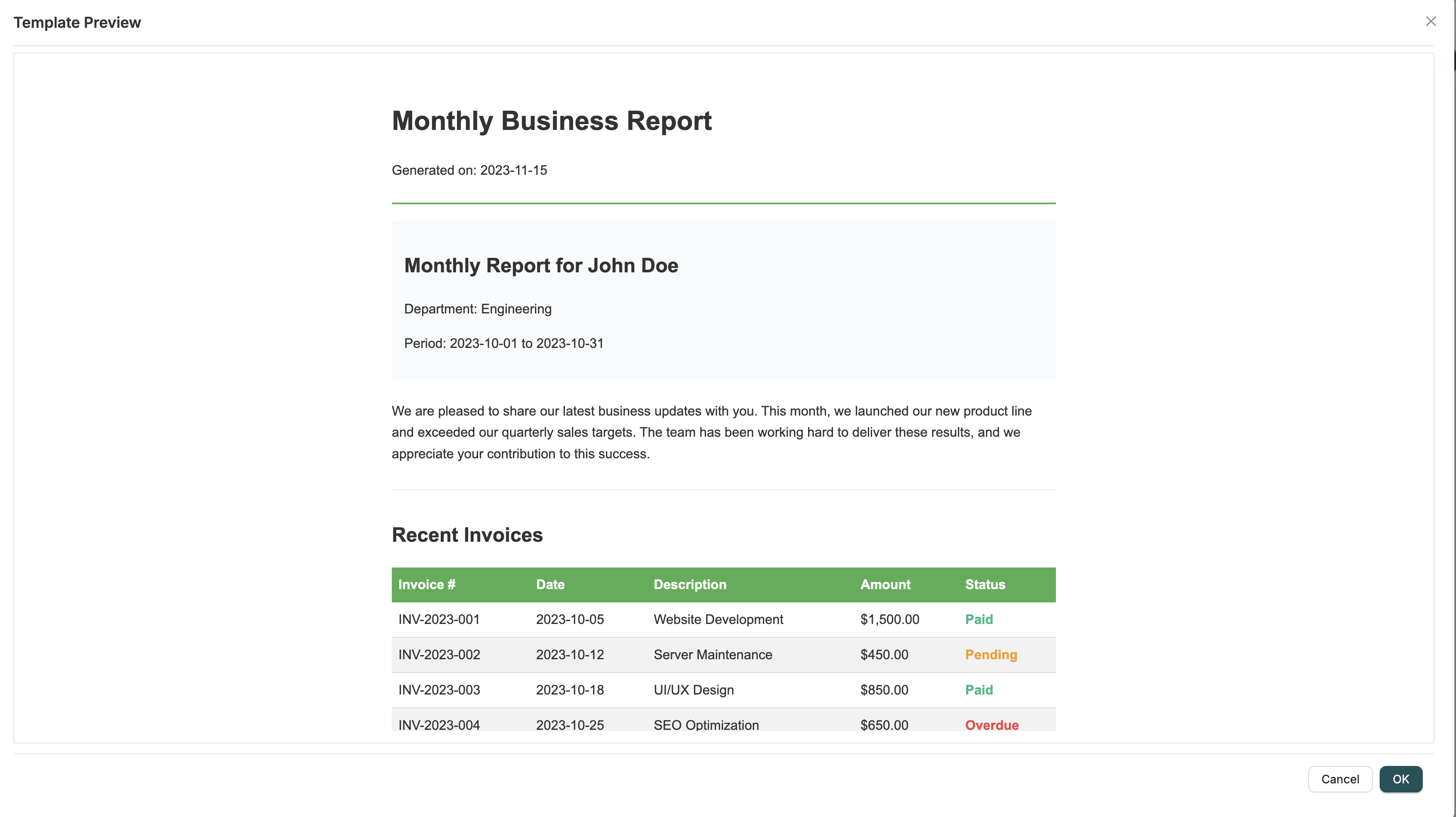
- Open a template in Template Designer
- Write or edit template content
- Provide test data (manual JSON or select Object/MData)
- Click "Preview" to see rendered output
- Verify variables are substituted correctly
- Check formatting and styling
Preview Features
- Real-time Rendering: See how template renders with provided data
- Variable Validation: Verify all variables are correctly substituted
- Format Checking: Ensure HTML/PDF formatting is correct
- Data Testing: Test with different data sets before production use
Best Practices
- Test with Real Data: Use Object/MData for realistic previews
- Test Edge Cases: Try empty values, nulls, and missing fields
- Verify Formatting: Check how content appears in final output
- Validate Variables: Ensure all
{{variables}}are properly replaced
Related Introduction
- Creating Templates - Learn how to create templates
- EmailNotification - Use templates in workflows
- HTMLToPDF - Generate PDFs from templates