
Application BuilderDesigner
Designer layout
Toolbar on top, nav rail on the left (Components, Outline, Code, Screens), canvas in the center, Inspector on the right.
Category: Workspace
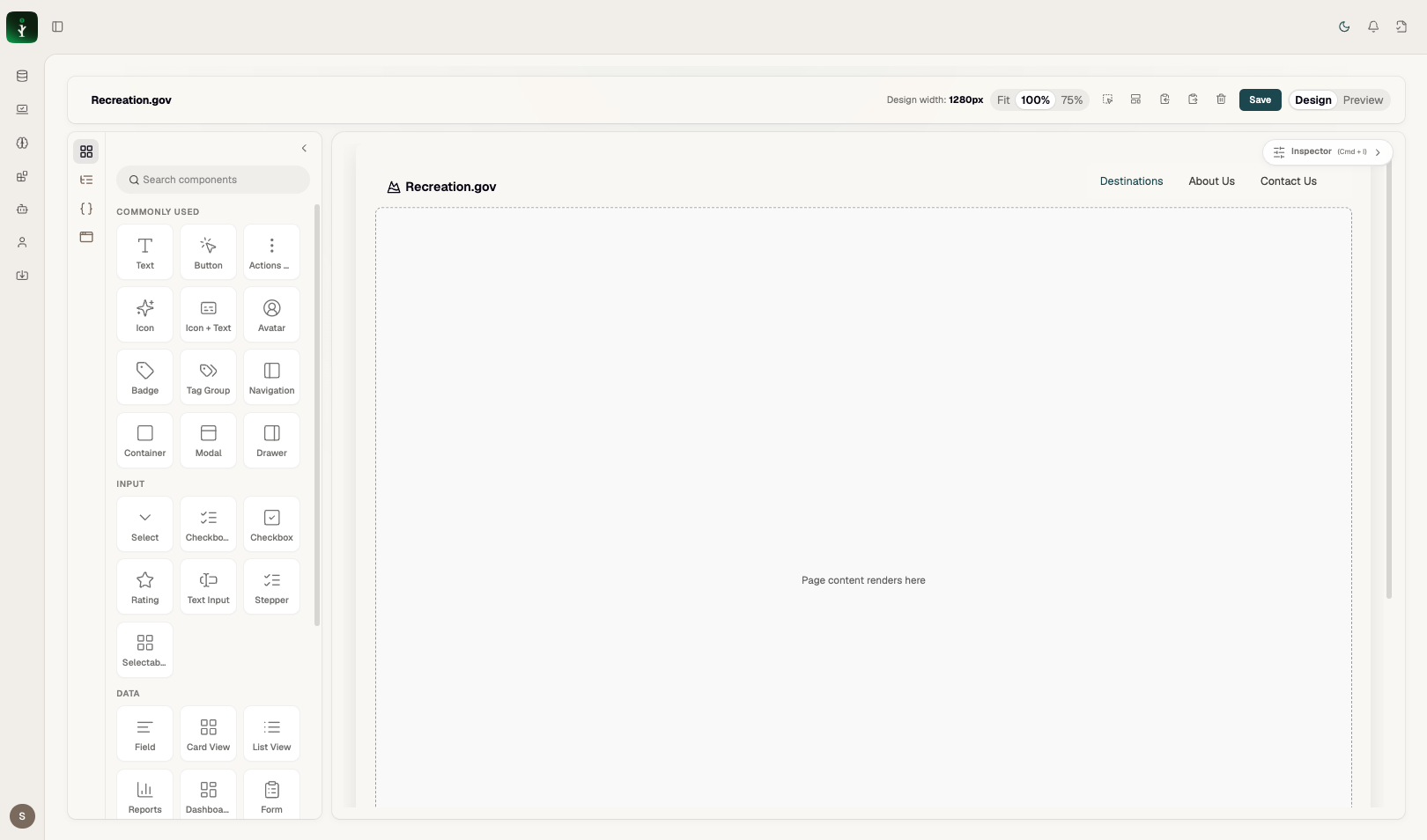
Full designer workspace.
Problems it solves
Separates layout (canvas), structure (outline), logic (code), and properties (inspector).
How to use it
Open any page/application from the listing. Use nav rail icons to switch panels. Cmd+\ toggles components; Cmd+I inspector; Cmd+J code.
Examples
Collapse panels for more canvas space — reveal pills appear on the edge.